


Class 8
Test series
The CUET (Common University Entrance Test) syllabus is divided into three main sections: Language, Domain-Specific Subjects, and General Test. The Language section assesses reading comprehension (factual, narrative, literary), verbal ability, and vocabulary. The Domain-Specific Subjects section focuses on topics from class 12 NCERT syllabus. The General Test includes general knowledge, current affairs, numerical ability, quantitative reasoning, and logical and analytical reasoning
Get detailsContains subject wise test, Topic wise test etc.
Analogies, classification, series, coding-decoding, blood relations, direction sense, logical reasoning, and Venn diagrams.

Pattern perception, mirror and water images, paper folding, figure completion, embedded figures, cube and dice problems.

Number series, arithmetic reasoning, data interpretation, and mathematical operations
Mathematics: Algebra, geometry, arithmetic, trigonometry. Science Physics,Chemistry, Biology

For CBSE & RBSE Board classes
 sets
sets
 sets
sets
 sets
sets
 sets
sets
 sets
sets
For classes 8th, 9th and 10th
Test series
Test series
Test series
Available Mock test on different topics.
A Full Mock Test is a complete practice exam created to simulate the actual test environment.
1️⃣ Real Exam Pattern-Based Questions Every question is crafted according to the latest exam pattern and difficulty level, ensuring you face no surprises in the actual exam. 2️⃣ Smart Time Management Practice With a live timer, you learn how to use your time effectively—one of the most important skills for competitive exams.
Practice each subject separately and strengthen your core concepts with our Subject-Wise Tests
Every test is designed according to the latest exam pattern and helps you focus on one subject at a time. Improve your accuracy, speed, and understanding with targeted practice for Maths, Reasoning, General Knowledge, English, and more.
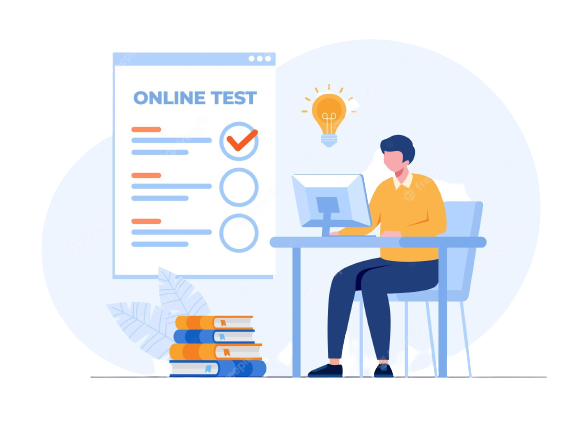
Prepare smarter with our Class-Wise Tests, specially designed to match the syllabus of each class
Practice chapter-based questions, improve concepts, and track progress with class-level assessments. Available Classes: Class 6 Class 7 Class 8 Class 9 Class 10

Boost your preparation with our Competitive Exam Wise Tests, designed exactly as per the latest exam pattern.
Available Exam Categories: RSMSSB Group D / 4th Grade SSC (GD, MTS, CHSL) Railway (RRB Group D, NTPC)
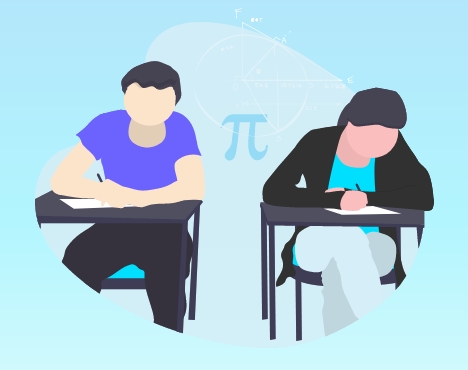
Stay consistent and track your progress every week with our Weekly Test Series
Each test is based on the latest syllabus and covers important topics to strengthen your preparation. Improve your speed, accuracy, and confidence with fresh weekly questions and detailed performance reports.

Computer section for different topics
MS Word is one of the most widely used tools for creating professional documents.It provides powerful formatting features that make writing clean and organized

MS Excel helps in organizing and analyzing data quickly using rows, columns, and formulas.It allows users to create charts and tables for better data visualization and reporting.
The Internet is a global network that connects millions of computers and devices worldwide.It allows users to share information, communicate, and access online service.

Always use strong and unique passwords to protect your online accounts.Never click on unknown links or download files from untrusted sources.

Hardware refers to the physical parts of a computer that we can touch.Software is a set of programs or instructions that tell the computer what to do.Examples: Windows, MS Word, Chrome, Games.

Start learning web development from basics with simple lessons & examples


Find answers to common questions about our Online Examination Portal
Login to your student dashboard using your registered credentials. Click on Checkbox and press the "I am ready to begin" button. The exam will begin immediately.
No. Each exam can be attempted only once unless the administrator allows multiple attempts. After submission, you cannot retake the exam.
If you accidentally close the browser or lose internet connection, you can re-login. If the exam time is still running, you may continue. If time expires, the exam will be auto-submitted.
Yes. A countdown timer is displayed on the exam screen. Once the timer reaches zero, the exam will automatically submit.
Yes. You can change your selected answer anytime before clicking the "Submit Exam" button.
Results are calculated automatically based on correct answers, total questions, and the marking scheme set by the administrator. Your score will be shown after submission if result visibility is enabled.
Yes. After submitting the exam, you can view your selected answers, correct answers, and total score (if enabled by the administrator).
If you experience any technical problems, check your internet connection, refresh the page once, or contact the administrator immediately.
Yes. The system uses secure authentication and protected database storage to ensure your exam data remains safe and confidential.
Only authorized administrators can create exams, add or edit questions, set time limits, and view student performance reports.